
How to Calculate Your SEO ROI Using Google Analytics
As a business owner, understanding the return on investment (ROI) from your SEO efforts is crucial for gauging the effectiveness of your online strategies. Search engine optimization can be a powerful tool for driving traffic and generating sales, especially for WordPress and WooCommerce sites. Calculating your SEO ROI accurately involves monitoring key performance indicators (KPIs) and comparing these metrics against the costs of your SEO campaigns. Fortunately, Google Analytics provides the tools you need to unlock these insights.
Identifying Key Performance Indicators (KPIs)
The first step in calculating your SEO ROI is to define your KPIs. These measurable values can help you determine how effectively your SEO strategies are driving traffic and revenue. For most businesses, common KPIs include organic traffic, conversion rates, and revenue generated from organic sources. By regularly monitoring these metrics, you can see how well your campaigns are performing and what adjustments may be necessary.
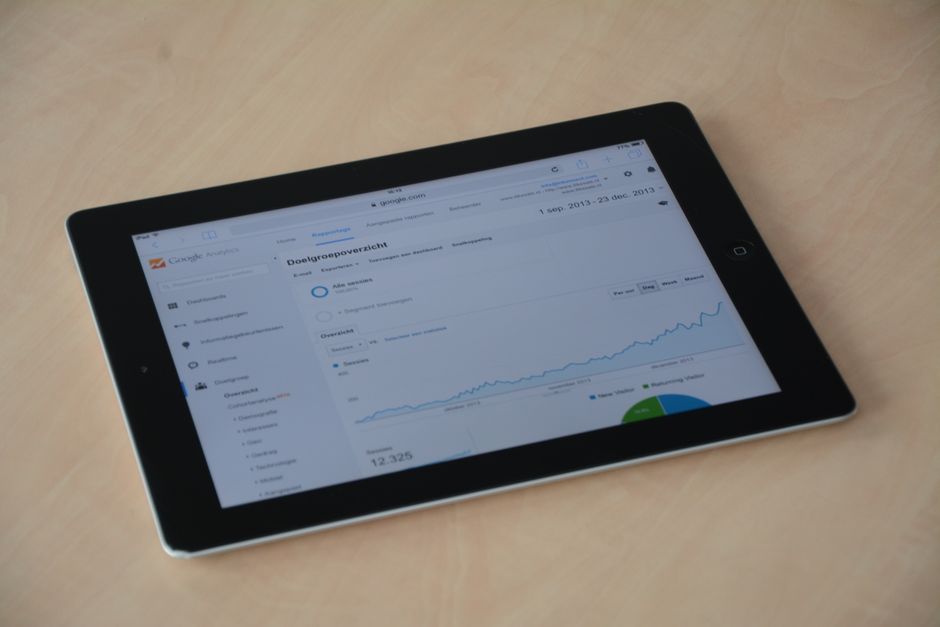
Incorporating Google Analytics into your routine will enable you to track these KPIs seamlessly. For example, you can utilize the platform to review the number of visitors coming from organic search and analyze their behavior on your WordPress site. Understanding which pages attract the most traffic can help you prioritize content optimization and keyword targeting strategies.
Assessing Costs vs. Revenue
Once you have identified your KPIs, the next step is to assess the costs associated with your SEO campaigns. This includes not just the direct costs of SEO tools, employee salaries, or agency fees but also the time invested in creating and optimizing content. You can then compare these costs against the revenue generated from organic traffic to determine your SEO ROI.
To obtain a clearer picture of your SEO performance, keep track of your sales conversions that stem from organic search. For WooCommerce users, integrating Google Analytics can help you see the sales funnel for your e-commerce activities, allowing you to attribute revenue to your SEO initiatives accurately. This comprehensive view will help you make more informed business decisions and understand the true value of your SEO investments.
Need expert help with this?
Book a free 30-minute strategy call to discuss your specific WordPress/WooCommerce needs.
Schedule now →
Refining Your SEO Strategy Based on Insights
The final step to effectively calculating your SEO ROI is to refine your approach based on the insights gathered from Google Analytics. Identifying which keywords bring in the most traffic and having the highest conversion rates allows you to focus your future SEO efforts effectively. Moreover, regular assessments and adjustments keep you aligned with your audience’s preferences and changing search trends.
Utilizing the data, you can create a more targeted keyword strategy which will lead to better rankings in search engines. Make sure to consider the competition for these keywords and focus on optimizing your WordPress or WooCommerce site around those that deliver meaningful traffic that converts.
- Regularly review organic traffic reports to gauge performance.
- Set clear, measurable goals to track improvement over time.
- Monitor conversion rates from organic search to evaluate ROI.
- Refine your keyword strategy based on traffic and conversion data.
By applying these practical tips, you’ll not only understand your SEO ROI but also enhance your overall digital marketing strategy. With a keen eye on both KPIs and costs, you can ensure that your investments in SEO yield the returns you are aiming for.
Need help? Book a free strategy call at mbohra.com