
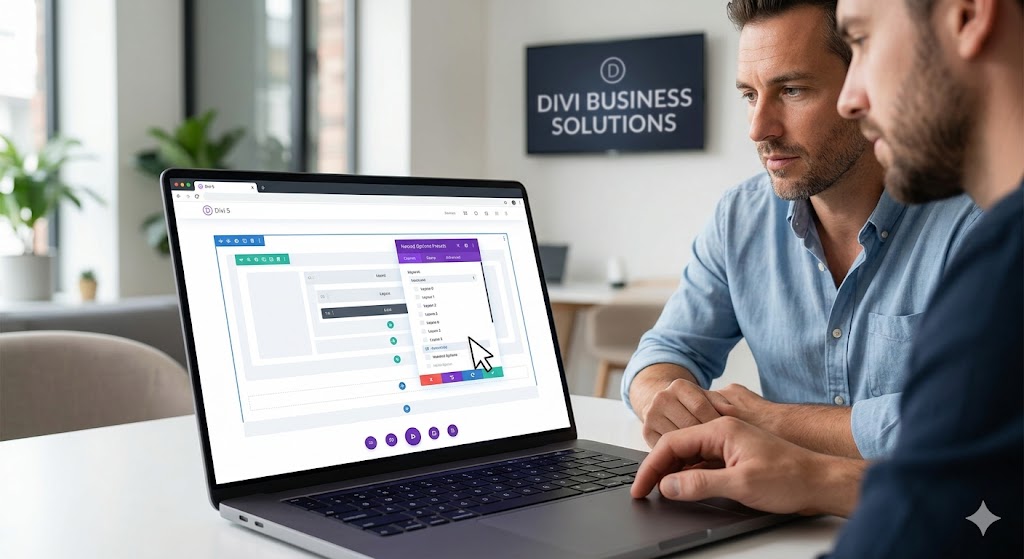
Unlocking the Power of Nested Options Presets in Divi 5 for Your Business
As a business owner operating in the dynamic world of digital marketing, understanding the tools at your disposal can significantly impact your brand’s online presence. Divi 5 has just introduced a revolutionary preset system that is designed not only for aesthetic enhancement but also for improving the efficiency of your website development process. This article will explore how nested options presets can help you create unified, efficient, and flexible designs for your WordPress or WooCommerce site.
Understanding Nested Options Presets
At the heart of Divi 5’s new design capabilities is its preset system, which allows you to define reusable styles that go beyond just CSS. These nested options presets enable you to create a hierarchy of design elements, thereby streamlining your web design workflow. Instead of applying styles individually, you can group them into presets that can be shared across different components of your website.
This means that with just a few clicks, you can customize a range of elements consistently. The flexibility offered by nesting allows you to make changes that will automatically reflect across all connected components, ensuring a cohesive look throughout your site. As a business owner, this helps maintain brand consistency, which is crucial for effective digital marketing.
Benefits of Using Nested Options Presets
Your website is often the first point of contact for potential customers. Ensuring that it reflects your brand effectively is vital. Nested options presets can significantly reduce the time spent on design adjustments. You can make global updates to your styles, which means you can focus on your business while your website looks great across all devices.
Moreover, bundled design options help you maintain a professional look, enhancing user experience, which is pivotal in conversion rate optimization. Consistency in design can lead to improved user engagement, and ultimately, higher sales. Whether you are promoting products through WooCommerce or offering services through your WordPress site, the presets allow for quick and easy design variations that cater to seasonal promotions or brand updates.
Practical Tips for Implementing Nested Options Presets
- Start by defining a color palette and typography style that aligns with your brand. These will be your foundation presets.
- Utilize nested presets for different sections of your site, such as headers, footers, and product pages to maintain consistency.
- Regularly review and update your presets as your business evolves. This will keep your site feeling fresh and relevant.
- Test your design on multiple devices to ensure that your presets are responsive and maintain appeal across platforms.
- Educate your team about how to use these presets efficiently, ensuring that everyone involved in managing your website is on the same page.
In conclusion, nested options presets in Divi 5 offer an excellent opportunity for business owners to create visually appealing and user-friendly websites without the necessity of extensive technical knowledge. Leveraging these powerful tools can help you boost your online presence and amplify customer engagement, leading to better business outcomes.
Need help? Book a free strategy call at mbohra.com